That sinking feeling is hard to forget. One moment your files are right there. The next, your computer cannot read the drive at all. If you landed here, you are probably searching for answers about failed hard drive recovery, and you want them fast. So take a breath first. The choices you make in the next few hours often decide whether your data comes home or disappears for good. Our team at DataLab Recovery has handled these cases since 2001. Because of that, we know what works and what only makes things worse. This guide walks you through it, calmly and step by step.
What Failed Hard Drive Recovery Really Means
Not every dead drive is dead in the same way. In fact, failed hard drive recovery usually splits into two very different problems. Knowing which one you face changes everything.
The first type is a logical failure. Here the hardware still works, but your data became unreachable. Maybe you deleted the wrong folder. Maybe the file system got corrupted, or a partition vanished after a bad update. The platters are fine. The information is often still sitting there, waiting.
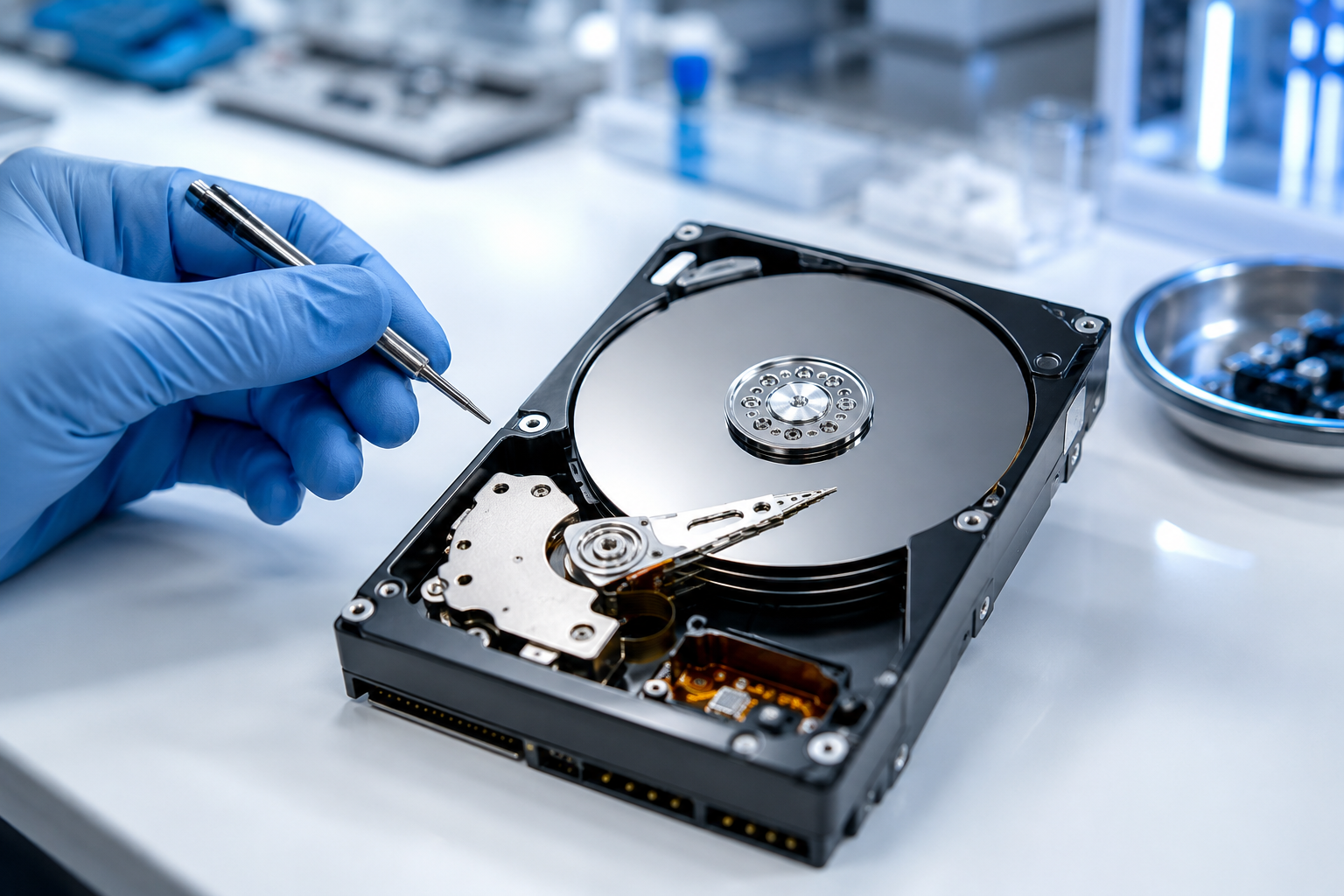
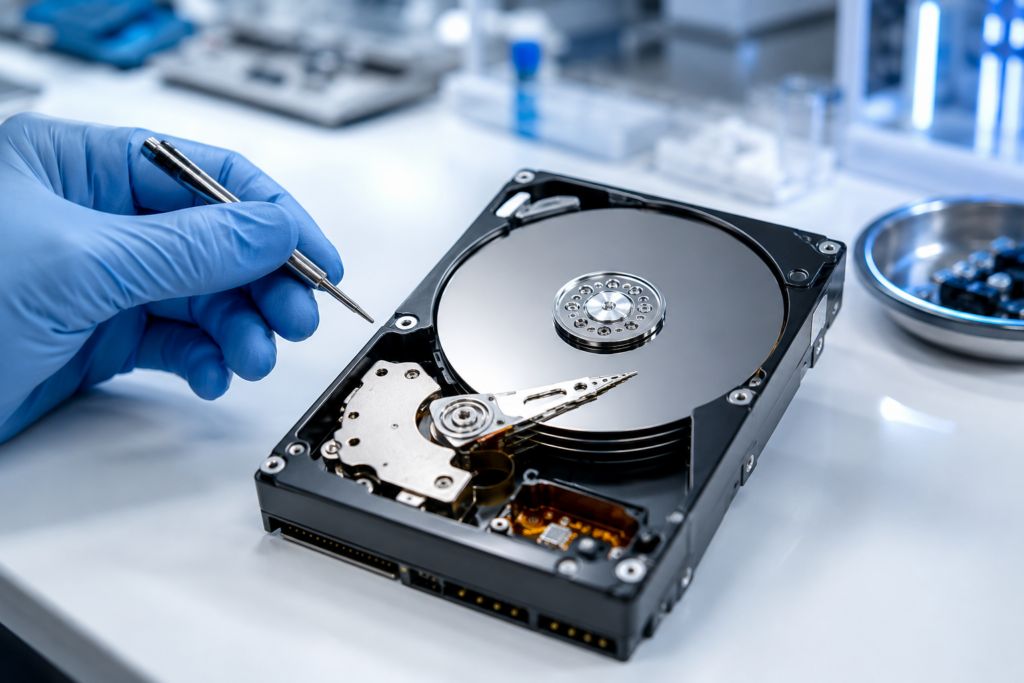
The second type is a physical failure. This is the serious one. Something inside has broken, such as the read/write heads, the spindle motor, or the small circuit board. A physically damaged drive may click, beep, or grind. Sometimes it just stays silent and cold. Either way, this is the kind of case our hard drive recovery engineers handle every day.
So why does the difference matter? Because hard drives are mechanical, and mechanical parts wear out. Independent testing backs this up. Backblaze, which tracks hundreds of thousands of drives, reported an annual failure rate of roughly 1.36% in 2025. That number sounds small. Still, the risk adds up over a drive’s lifetime, and every drive eventually reaches the end of its road.
How to Respond When Your Hard Drive Fails
So what should you actually do during failed hard drive recovery? Follow these steps in order. Above all, do not rush.
Step 1: Stop Using the Drive Immediately
This step matters more than any other. The moment you suspect a problem, stop. Do not save new files. Do not reinstall the operating system. Every extra second of use can overwrite the data you want back. If the drive makes unusual noises, power it down right away. Continued spinning on a damaged drive can turn a recoverable case into a lost one.
Step 2: Listen and Look for Clues
Next, pay attention to the symptoms. A clicking or beeping sound almost always points to a mechanical fault. A drive that spins up but never appears on your computer may have a head or firmware issue. On the other hand, a drive that shows up but throws read errors is usually a logical problem. These clues help you, and any specialist, understand the case before anyone touches the hardware.
Step 3: Handle Logical Failures Carefully
For simple logical issues, a gentle approach can help. First, connect the drive as a secondary device, never as your main boot drive. Then, if you attempt any recovery, always save the rescued files to a different, healthy drive. Writing them back onto the failing drive risks overwriting the very data you are trying to save. Because the file system may be fragile, work slowly and avoid repeated attempts. If anything feels uncertain, stop right there.
Step 4: Never Open the Drive Yourself
This rule is non-negotiable. A hard drive is sealed for a reason. Inside, the heads float over the platters at a microscopic distance. A single speck of dust can scratch the surface and destroy your data for good. Professional labs open drives only inside a certified cleanroom, where the air is filtered to hospital-grade standards. Your kitchen table, sadly, is not a cleanroom. So please, keep the cover on.
Step 5: Know When to Call the Experts
Finally, recognize your limits. If the drive is physically damaged, clicking, or completely unreadable, professional failed hard drive recovery is the safest path. Specialists work with protected equipment and often clone the drive first, which prevents extra wear during the real recovery. You can request a free recovery evaluation and let trained engineers assess the damage before you decide anything.
Smart Habits That Protect Your Data
Recovery is the cure. Prevention, though, is far cheaper and far less stressful. A few simple habits can save you from this situation entirely. Good habits also make any future failed hard drive recovery faster and cheaper.
Back up regularly. Keep at least one copy of important files somewhere else, whether that is an external drive or a cloud account. Test those backups too. After all, a backup you never check is just a hope, not a plan.
Watch for early warning signs. Slow performance, frequent freezes, odd noises, or files that vanish can all hint at a drive on its way out. If you notice these signs, copy your data off the drive now, while you still can.
Treat your drives gently. Avoid bumps, heat, and sudden power loss. Laptops in particular take a lot of physical abuse, so handle them with a little extra care.
When the stakes are high, ask a professional. If the lost data is irreplaceable, such as business records, legal files, or family photos, do not gamble with trial and error. A specialist can tell you what is realistically recoverable. When in doubt, a quick consultation costs you nothing but a phone call.
Final Thoughts on Failed Hard Drive Recovery
A failing drive feels like an emergency, and in many ways it is. Yet panic rarely helps. The smartest move is almost always the calmest one. Stop using the drive, figure out what kind of failure you face, and avoid risky do-it-yourself fixes on damaged hardware.
Remember the core rule of failed hard drive recovery: the less you do to a damaged drive, the more a professional can usually save. Your data is worth protecting. When it truly matters, lean on people who do this every day and have the equipment to do it right.
If you are facing this right now, you do not have to figure it out alone. Reach out, ask questions, and get an honest assessment before you make a decision.
Frequently Asked Questions
Here are the questions we hear most often about failed hard drive recovery.
Can data be recovered from a completely dead hard drive?
Often, yes. Even when a drive will not power on, the platters that hold your data may be perfectly intact. In many physical cases, engineers repair the drive or transplant parts inside a cleanroom to reach that data. Success depends on the damage, so an evaluation gives you the clearest answer.
How much does professional hard drive recovery cost?
It varies with the type and severity of the failure. A logical recovery is usually simpler and cheaper than a complex mechanical repair. Reputable providers, including DataLab, assess the drive first and quote you before any work begins. With a no recovery, no fee policy, you are not charged if your data cannot be retrieved.
Is DIY software safe for failed hard drive recovery?
It depends entirely on the failure type. For a minor deletion on a healthy drive, careful software use can work. For a clicking, grinding, or physically failed drive, though, that same software can cause more harm and should be avoided. When the hardware is damaged, professional failed hard drive recovery is far safer.
How long does data recovery take?
Most standard cases finish within a few days to a week. Severe physical damage or RAID systems can take longer. Many labs also offer priority service for situations where you simply cannot wait.
Disclaimer: This article is for general information only. Every data loss situation is unique, and outcomes vary based on the condition of your device. For advice specific to your case, please consult a qualified data recovery professional.