We have all felt that jolt of panic. You go to look at a treasured picture, and it is simply gone. Maybe you tapped delete by mistake. Maybe a memory card glitched, or a phone update wiped your gallery overnight. Whatever happened, you want to recover deleted photos, and you want to do it without making things worse. Here is the reassuring part. Deleted rarely means gone right away. At DataLab Recovery, we have rescued precious files since 2001, so we know which steps help and which ones quietly destroy your pictures for good. This guide walks you through it, calmly and step by step.
What Really Happens When You Delete a Photo
Here is the part that surprises most people. When you delete a photo, the image data usually does not vanish at once. Instead, your device simply marks that space as free to reuse. The actual picture often sits there, invisible but intact, until something new writes over it.
That single fact is the key to everything. It explains why fast action matters so much. The sooner you stop using the device, the better your odds of saving those memories.
The exact rules do change from device to device, though. On a computer or external hard drive, deleted photos can linger for a long time. On phones and many solid-state drives, however, a feature called TRIM can erase them within seconds. Memory cards behave differently again. So the type of device matters, and so does speed.
How to Recover Deleted Photos Step by Step
Ready to act? Follow these steps in order to recover deleted photos the safe way. Above all, move calmly and avoid any rush.
Step 1: Stop Using the Device Right Away
This first step matters more than any other. The moment you notice pictures are missing, stop using that phone, camera, or card. Do not take new photos. Do not download apps or save files. Every new piece of data risks overwriting the very images you want back. If the photos lived on a memory card, eject it safely and set it aside.
Step 2: Check the Easy Places First
Next, look in the obvious spots before anything else. Many devices hold deleted items for a while. On a phone, open the Recently Deleted or Trash album inside your gallery app. On a computer, check the Recycle Bin or Trash folder. Also check your cloud accounts, since services like iCloud or Google Photos often keep copies you forgot about. You might recover deleted photos in seconds, with no special effort at all.
Step 3: Handle Memory Cards the Safe Way
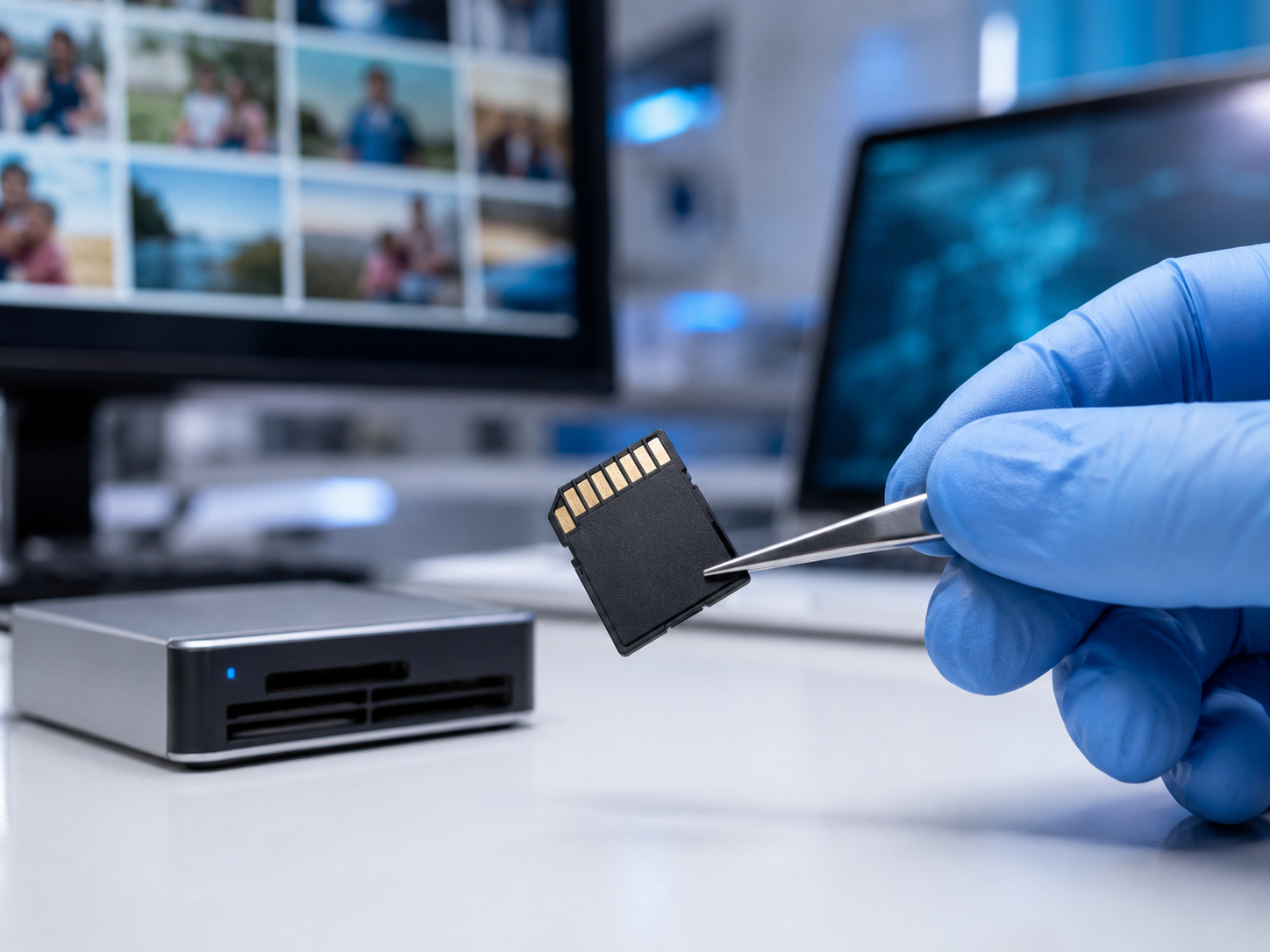
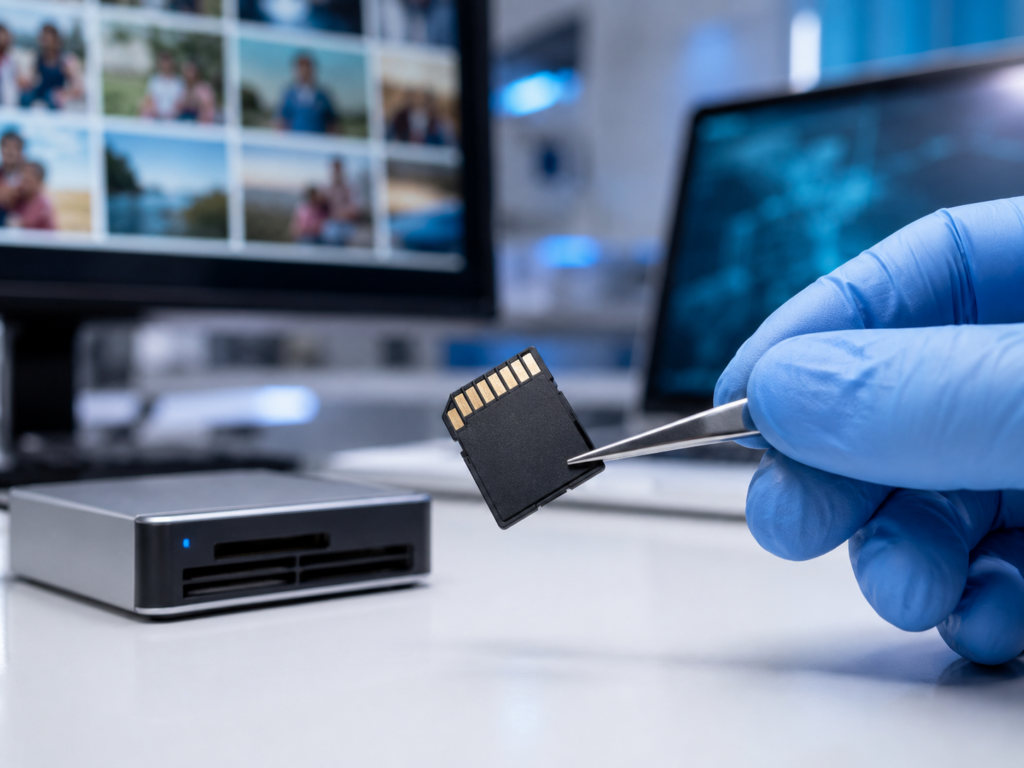
Most lost pictures live on memory cards, so treat them with extra care. First, remove the card from the camera or phone. Then read it on a computer using a card reader, rather than through the device itself. Crucially, never save anything new onto that card. Writing fresh data is the fastest way to lose the photos for good.
Step 4: Use Recovery Software Carefully
If the easy checks come up empty, reputable photo recovery software can sometimes help. Still, use it with caution. Only run it on a device that is physically healthy, never one that is damaged or unreadable. Most importantly, always save the recovered pictures to a different drive. Saving them back onto the same card can overwrite the files you are trying to rescue.
Step 5: Know When to Call a Professional
Finally, recognize the moment to stop. If a card is bent, water-damaged, or not recognized at all, do-it-yourself tools can do real harm. The same is true once you have formatted a card or made many failed attempts. At that point, professional photo recovery is the safest choice. You can request a free recovery evaluation and let trained engineers assess the card before you risk anything else.
How to Protect Your Photos Going Forward
Recovery is a relief. Prevention, however, is far easier and far less stressful. A few simple habits mean you may never need to recover deleted photos again.
Back up in more than one place. Keep your pictures in at least two spots, such as your computer and a cloud account. That way, a single failure never wipes out everything you own.
Turn on automatic backup. Most phones can sync photos to the cloud on their own. Switch this feature on, and your latest pictures get saved without you lifting a finger.
Clear your cards regularly. Do not let one memory card hold years of memories. Instead, copy photos to a safe place often, then format the card fresh for reuse.
Replace aging storage. All storage wears out eventually. In fact, independent testing by Backblaze found that hard drives still fail at a rate of around 1.36% a year. So retire old cards and drives before they let you down.
Final Thoughts on How to Recover Deleted Photos
Losing photos feels personal, because it is. These are your memories, not just files. Yet panic rarely improves the situation. The smartest response is almost always the calmest one.
Remember the golden rule when you recover deleted photos: the less you do to the device, the more can usually be saved. So stop using it, check your backups first, and never write new data over the space where your pictures lived. For damaged or formatted cards, trust the experts rather than risky guesswork.
Your memories are worth protecting. If your photos truly matter, do not gamble on trial and error. Reach out, ask questions, and get an honest assessment before you decide anything.
Frequently Asked Questions
Here are the questions we hear most often about how to recover deleted photos.
Can permanently deleted photos be recovered?
Often, yes. Even after a photo leaves the Recently Deleted folder, its data may still sit on the device until new files overwrite it. So the sooner you stop using the device, the better your chances. Once the space is reused, though, the picture is usually gone for good.
Can you recover photos after formatting a memory card?
Sometimes. A quick format does not always erase the underlying data right away, so recovery can still work. However, you must stop using the card immediately and avoid taking new pictures. For a formatted card, a specialist gives you the best odds by far.
Is photo recovery software safe to use?
It depends on the situation. On a healthy device, careful use of reputable software can help you recover deleted photos. On a damaged or unreadable card, though, that same software can cause more harm, so professional help becomes the safer route.
How can I recover photos deleted from my phone?
Start with the Recently Deleted album and your cloud backup, since copies often live there. If that fails, connect the phone to a computer and avoid using it further. For stubborn cases, you can submit your case and let trained engineers take a closer look.
Disclaimer: This article is for general information only. Every data loss situation is unique, and recovery outcomes depend on the device and the cause of the loss. For advice specific to your case, please consult a qualified data recovery professional.